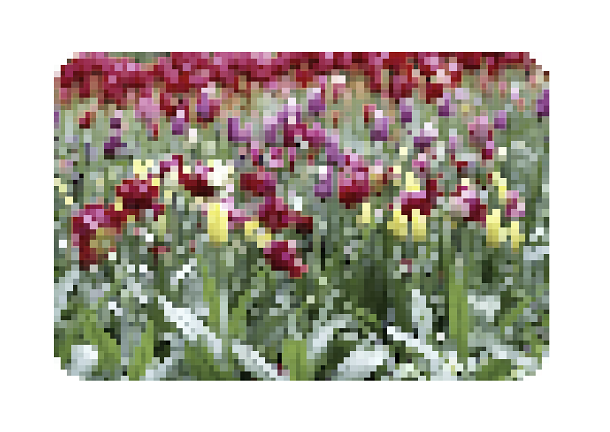
What we are going to introduce today is also about the picture mosaic effect. It is a picture switching mosaic transition animation based on HTML5 and SVG. It is different from the ordinary fade-in and fade-out switching effect. It renders the mosaic filter effect when the picture is switched, which is simple to implement. And also very creative.
Advertisement
<svg viewBox="0 0 800 532">
  <filter id="pixels" x="-20%" y="-20%" width="140%" height="140%" filterUnits="objectBoundingBox" primitiveUnits="userSpaceOnUse" color-interpolation-filters="sRGB">
	<feFlood flood-color="green" flood-opacity="1" x="0" y="0" width="1" height="1" result="flood"/>
	<feComposite
      id="composite"
      in="SourceAlpha" in2="flood" operator="in" x="0" y="0" width="6" height="6" result="composite"/>
	<feTile x="0" y="0" width="1000" height="1000" in="composite" result="tile1"/>
	<feComposite in="SourceGraphic" in2="tile1" operator="in" result="composite1"/>
	<feMorphology
    id="morphology"
    operator="dilate" radius="2" in="composite1" result="morphology"/>
  <feColorMatrix
    id="colormatrix"
    type="saturate" values="0" x="0%" y="0%" width="100%" height="100%" in="morphology" result="colormatrix"/>
</filter>

	<image
    id="image"
    x="0" y="0" width="100%" height="100%" preserveAspectRatio="xMidYMid slice" xlink:href="images/2403141_original.jpg" filter="url(#pixels)"></image>
</svg>
HTML, BODY {
  height: 100%;
}

BODY {

}

svg {
  width: 800px;
  height: 532px;
  margin:80px auto;
}
function changeSeed() {
  if (counter <= min) {
    image.setAttribute('filter', 'url(#pixels)');
  }

  if (direction === 'forward') {
    counter += step;

    if (counter >= max) {
      direction = 'backward';
      image.setAttribute('xlink:href', images[imagesCounter]);
      imagesCounter++;

      if (imagesCounter === images.length) {
        imagesCounter = 0;
      }
    }
  } else
  {
    counter -= step;

    if (counter <= min) {
      direction = 'forward';
    }
  }
  composite.setAttribute('width', counter);
  composite.setAttribute('height', counter);
  morphology.setAttribute('radius', Math.ceil(counter / 1.95));
  colormatrix.setAttribute('values', 1 - counter / max);

  var time = 75;

  if (counter <= min) {
    time = pausa * 1000;
    image.setAttribute('filter', 'none');
  }

  setTimeout(changeSeed, time);
}

window.requestAnimationFrame(changeSeed);
Advertisement